MangoBus Academy

Learn the platform. Run with confidence.

Practical, step-by-step guides for administrators, sales teams and dispatchers. The interface previews use demonstration data to protect operator privacy.

01 Β· Overview

Understand your dashboard

Start every day with a clear view of reservations, occupancy, revenue and upcoming departures.

  1. Review today’s booking volume and revenue.
  2. Check occupancy for upcoming services.
  3. Open a departure to view its live passenger list.
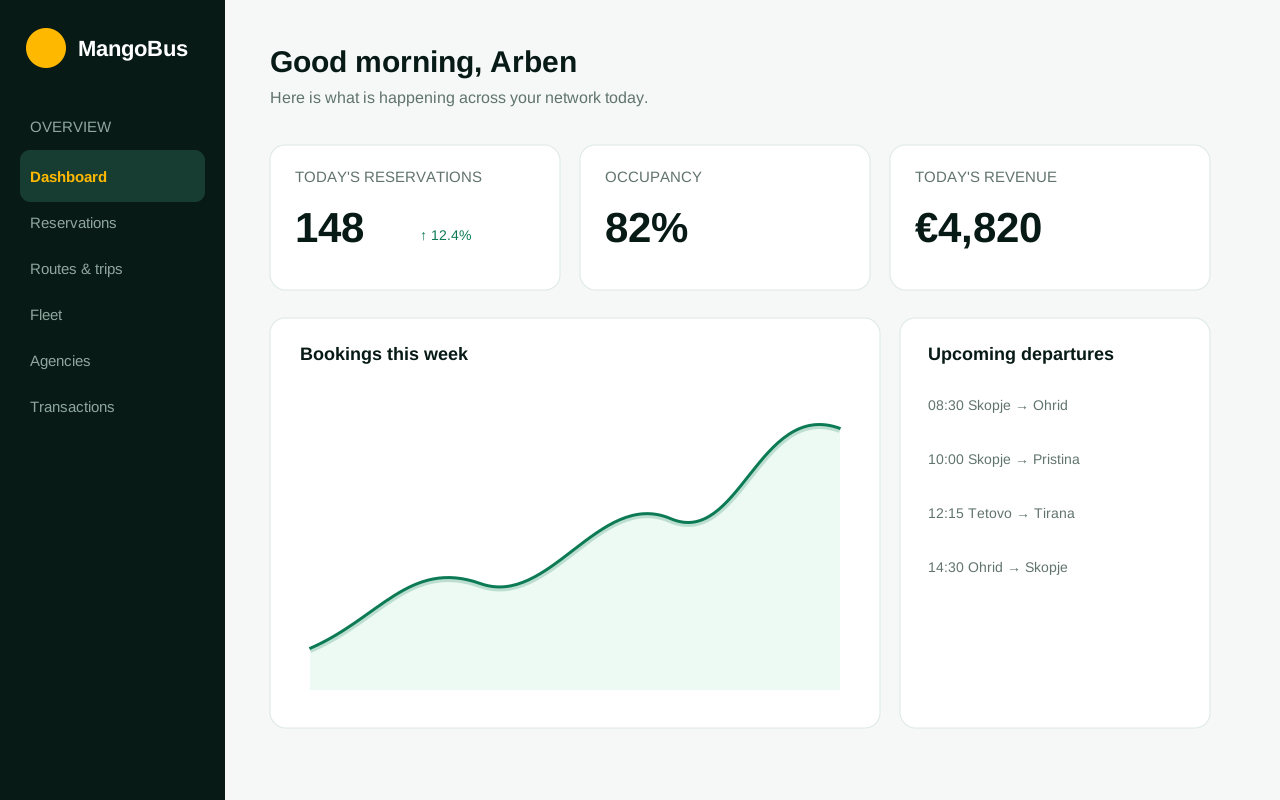
MangoBus operations dashboard showing bookings, occupancy and upcoming departures
02 Β· Network setup

Create routes and schedules

Model your network once, then let MangoBus generate and manage individual trips.

  1. Add the origin, destination and intermediate stops.
  2. Set operating days, departure times and active dates.
  3. Configure one-way and return fares by ticket type.
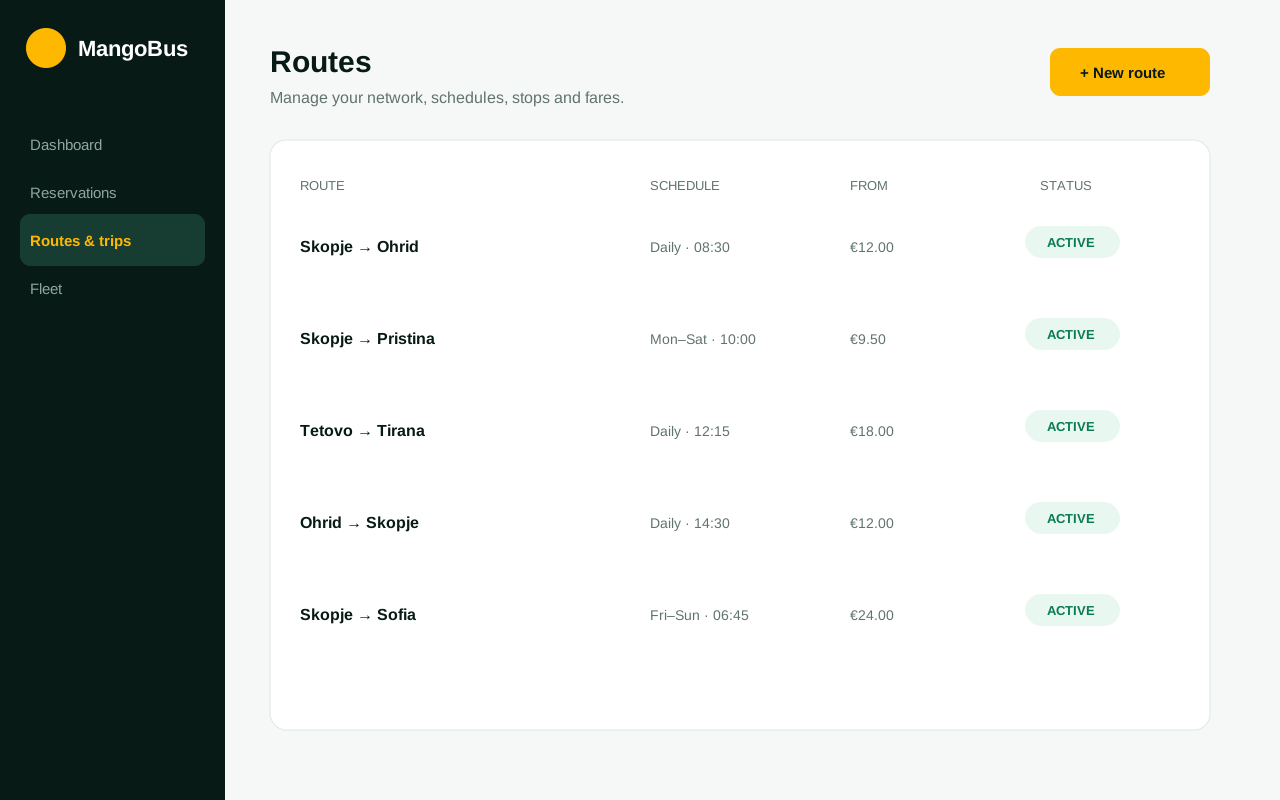
MangoBus route management screen with schedules, prices and active statuses
03 Β· Daily sales

Manage reservations and tickets

Find every booking quickly, confirm payment and issue a professional digital ticket.

  1. Search by reference, passenger or departure.
  2. Review passenger and payment details.
  3. Confirm the booking and download or resend the e-ticket.
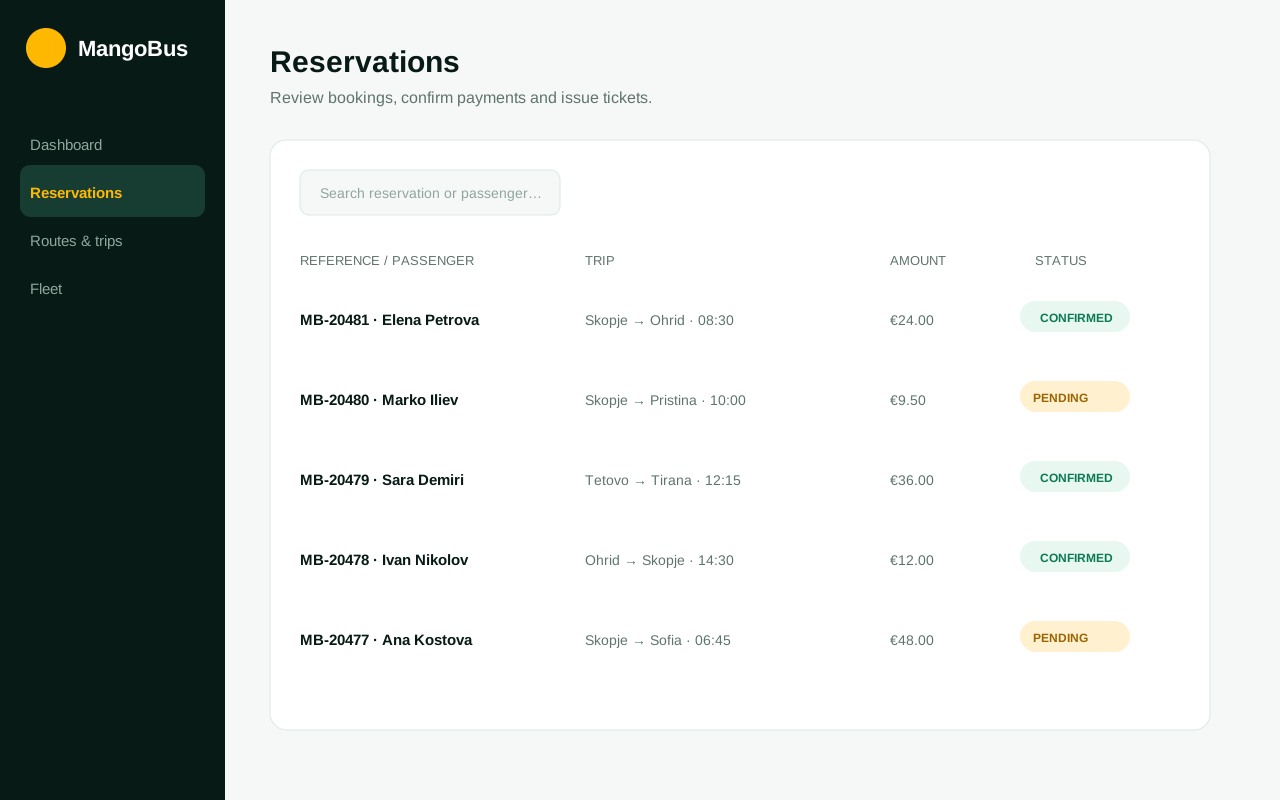
MangoBus reservation list with trip, amount and payment status
🚌

Fleet & seat maps

Add vehicles, capacities and seat classes so every trip sells against the correct layout.

🀝

Agency sales

Approve resellers, set commissions and monitor balances from a dedicated agency workspace.

🎟

Promotions

Create time-bound coupons for selected routes and ticket types to stimulate demand.

Need help with your first setup?

We help new operators configure their network and prepare the team for launch.

Start your onboarding β†’